Tour booking management software for everything after the yes.
Tour booking management software manages the supplier bookings behind a sold trip: the camps, lodges and hotels that have to be requested, held and confirmed before the itinerary the client agreed to becomes real. It tracks each reservation through a defined lifecycle, watches every option hold against its expiry date, and keeps the paper trail straight: requests out to suppliers, confirmations back in, and an invoice that matches the trip that was actually booked.
That is the job this page covers. Itero Desk is operations software for safari and tour operators: itineraries, quotes, proposals, invoices, CRM and pricing in one workspace, on web and mobile, with AI assistance built in. Its Reservations area is built for exactly this stage, and the rest of this page walks through it with one running example: an eight-night trip with four camps.
Book a demo. Watch a sold trip go from four unconfirmed camps to a complete booking file, on a call with a person who knows the trade. Book a demo
This page is not about checkout widgets.
"Booking management software" means two different things, and search results mix them freely. The first meaning is customer-facing: a booking engine on your website where a traveller picks a date, pays by card and receives an instant confirmation. That is a real category with good products in it, and Itero Desk is deliberately not one of them. It does not run an online checkout, and it does not process or hold traveller payments; you invoice through it and collect from clients through the channels you already use. If your business is instant-confirmation departures sold direct to consumers, a booking-engine-first tool is the right purchase, and the tour operator software page maps that taxonomy honestly.
The second meaning is the one that decides if a sold trip actually happens: managing the reservations you hold with your suppliers after a client has confirmed. That is this page.
The yes is where the risk starts.
Here is the running example. A client confirms an eight-night trip with four camps, two nights in each. On the morning of the yes, nothing is booked. Four requests have to go out, four suppliers will answer at four different speeds, and the price the client accepted assumed a specific room at a specific rate in every one of those camps.
From that morning, the desk is exposed in a specific and expensive way. The quote was built on rooms the desk does not yet hold. If camp two sells its last room while the request sits unanswered, the trip the client bought no longer exists at the price they bought it. Every choice at that point costs money: re-quote a client who already said yes, absorb the difference quietly, or rebuild the route and hope the replacement camp is as good.
Most desks run this stage on an inbox and a spreadsheet. The sent folder knows what was requested. One consultant's memory knows which camp promised what. A spreadsheet cell knows the option deadline, if someone typed it in. This holds until the week two trips confirm at once, and that is exactly the week the desk cannot afford a lapse.
Booking management software exists to make this stage boring: every reservation in a named state, every deadline watched, every document accounted for.
The reservation lifecycle, state by state.
In Itero Desk, every supplier booking on a trip moves through named states. Here is the whole lifecycle, told through the eight-night trip.
- Draft. The reservation exists on the trip but nothing has been sent yet. The morning after the client confirms, all four camps sit as drafts: a to-do list the whole desk can see, instead of a plan in one person's head.
- Requested. The request has gone out to the supplier and the clock starts. All four camps move to requested on Monday. From here the software counts the silence: a request that sits unanswered for 3 or more days gets flagged, so no camp slips out of mind.
- Option. The supplier offers a hold with an expiry date: the room is yours if you confirm by a stated day. Camps one and four come back on Tuesday with options. The option is the most valuable and the most dangerous state in the pipeline, which is why it gets its own section below.
- Confirmed. The supplier has committed the room. Camp one confirms on Thursday, and one quarter of the trip is now real.
- Waitlisted. The camp is full but keeps the request in line. Camp two waitlists both nights; the desk keeps that state visible and lines up an alternative early, instead of discovering the gap when final documents are due.
- Declined. The supplier says no. Camp three declines outright: the desk sees it the day it happens, while the other holds are still alive, and the route can be rebuilt with time to spare.
Two exit states complete the picture:
- Cancelled. The booking, or the whole trip, falls away, and the record says so instead of quietly disappearing.
- Superseded. The booking was replaced by a newer one, because dates moved, the room type changed or a camp was swapped, and the trail shows which booking replaced which instead of leaving two contradictory ones alive.
The value of the lifecycle is not the vocabulary. It is that anyone on the desk can open the Reservations list at any moment and answer the only question that matters at this stage: what is still not confirmed, and what expires next?
The option hold is where money hides.
An option is a promise with a fuse. A camp holding a room for you until the 20th has handed you something worth real money: the right to confirm at the rate you quoted. Let the fuse burn down and the promise ends. The room goes back on sale, sometimes to be offered again at a different rate, sometimes to be gone for the season. A lapsed hold means one of two outcomes, and both cost money: re-quoting a client who already agreed a price, or losing the room entirely.
Itero Desk treats option expiry as a first-class fact. Every option carries its date, and the desk is warned 3 days before it expires and again 1 day before. In the running example, camp four's option runs to the 20th: the warning lands on the 17th while there is still time to chase the client's deposit, and again on the 19th if nothing has moved. The decision, confirm, extend or release, still belongs to the desk. The software's job is to make sure the decision happens before the deadline instead of after it.
Silence is watched the same way. Camp two has not answered its request after 3 days, so the software nags until someone chases. Stale requests are where waitlists and declines hide: the sooner the answer is forced, the more of the trip is still flexible when it arrives.
None of this is clever, and that is the point. It is a deadline list that refuses to be ignored, attached to the exact bookings behind each deadline. The other version of this system is a consultant who never forgets and never takes leave; the realistic version is software.
See your own pipeline in it. A demo takes one of your sold trips and runs it through request, option and confirm, with your camps and your dates. Book a demo
The paper trail: requests out, confirmations back, invoice at the end.
A booking pipeline is also a document pipeline, and each document has a different audience.
The hotel request. When a reservation moves to requested, the request goes out as a clean document carrying the trip facts and no prices. Suppliers never see your client pricing. This matters more than it sounds: the rate you pay the camp and the price your client accepted are different numbers, and the margin between them is yours. A desk that requests rooms by forwarding the client proposal publishes that margin to the one party who should never see it. A purpose-built request document makes the leak impossible.
The client side. Once the trip is confirmed, it appears in a client portal: a branded web page for that trip, with no login needed for the traveller. The client sees a confirmed trip, not the machinery behind it.
The invoice. The invoice is generated from the same trip, so the numbers on it are the numbers the quote was built from, not a re-typed copy that drifted somewhere between systems. There is a preview and edit surface before it goes out, and it ships as a share link with a matching PDF. The price it carries is the one the cost engine built from your own rates, which is the subject of the tour pricing software page.
Vehicles and guides on the same calendar.
A safari booking pipeline is not only rooms. The eight-night trip also needs a vehicle and a guide for the whole route, and those can collide with other trips in ways a room never does.
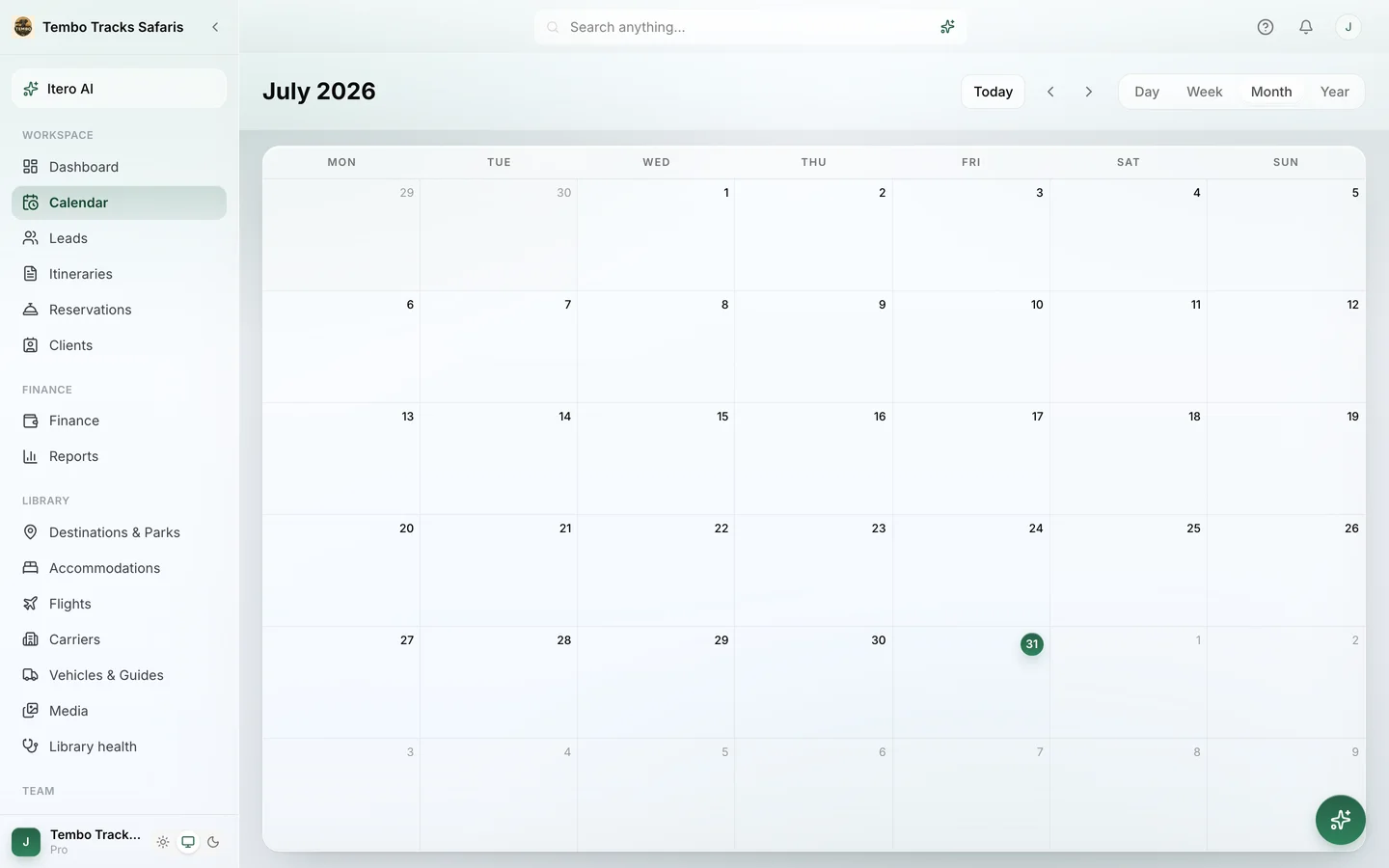
In Itero Desk, vehicles and guides live in the shared library with daily rates and capacity, and they sit on the same Calendar as the trips. Assign a guide who is already committed elsewhere and the desk raises a conflict warning naming that guide and flagging the clash per day; vehicles behave the same way. The per-day part matters: a one-day overlap between two long trips is easy to miss on paper and easy to fix when it is caught early, and impossible to fix on the morning both trips expect the same vehicle at the airport.
This is what keeps the booking pipeline and the fleet consistent. Four confirmed camps with no vehicle to drive between them is not a confirmed trip; it is a more expensive kind of unconfirmed one.
How desks track supplier bookings today.
An honest comparison, because the alternatives are real and one of them is free.
| Inbox and spreadsheet | Online booking engine | Itero Desk | |
|---|---|---|---|
| Reservation states | Colour-coded cells, when kept up | Instant confirm or fail; requests and holds are not the model | Named lifecycle from draft to confirmed, with waitlist and decline |
| Option expiry | A date in a cell somebody must remember | Not the job | Warned 3 days and 1 day before |
| Stale requests | Re-reading the sent folder | Not the job | Flagged after 3 days without an answer |
| What suppliers see | Whatever gets forwarded, sometimes with client prices | Not the job | A clean request with trip facts and no prices |
| Vehicles and guides | A second spreadsheet | No concept of them | Same calendar, per-day conflict warnings naming the resource |
| The invoice | Re-typed in another tool | Built for traveller checkout, not supplier operations | Generated from the same trip |
The booking-engine column is not a criticism. Those products solve a different problem, selling to the traveller at the moment of checkout, and they solve it well. They were simply never designed for a trade where a booking starts as a request, lives as a hold and is confirmed by a person. The spreadsheet is the honest competitor here: it costs nothing until the first lapsed hold, and then it is the most expensive tool the desk ever ran.
Where the booking pipeline sits in the wider desk.
Reservations are the middle of a longer line, and each neighbour has its own page. Upstream, the enquiry was qualified and won in the leads pipeline, which the tour operator CRM page covers. The trip itself was assembled day by day in the safari itinerary builder, and the whole safari-first category is mapped on the safari tour operator software page. Around all of it sits the wider operations layer, the shared library, team roles, finance and reports, which belongs to the travel operations software page rather than this one.
On cost: reservations, the calendar and resource tracking are part of the standard workspace, not a paid module. Starter is $74.99 per month ($59.99 per month billed annually) with one user, Pro is $109.99 per month ($89.99 per month billed annually) with four users and team roles, and every new workspace starts with a 30-day trial of the full Pro feature set, no credit card. Current details live on the pricing page.
Frequently asked questions.
What is tour booking management software?
It is software that manages the supplier bookings behind a sold trip. After a client confirms an itinerary, every camp, lodge and hotel has to be requested, held and confirmed with the supplier. Booking management software tracks each reservation through a defined lifecycle, watches option-hold expiry dates, and keeps the documents straight: requests out to suppliers, confirmations back, and an invoice generated from the same trip.
How is this different from an online booking engine?
A booking engine sells to the traveller: a checkout on your website where a customer picks a date, pays and receives instant confirmation. Tour booking management software works on the other side of the sale: it manages the reservations an operator holds with its suppliers after a trip is sold. Itero Desk is the second kind by design; it has no checkout and takes no traveller payments.
What is an option hold?
An option is a supplier's promise to hold a room until a stated expiry date, after which it is released if not confirmed. It is the standard middle step between requesting a room and confirming it. Itero Desk records the expiry date on every option and warns the desk 3 days and 1 day before it lapses, because a lapsed hold means re-quoting the client or losing the room.
What do suppliers see when I send a request?
A hotel request from Itero Desk goes out as a clean document carrying the trip facts and no prices. The supplier never sees what your client is paying: the rate you pay the camp and the price on the client's proposal are different numbers, and the margin between them is yours to protect, not to publish.
What happens when a camp declines or waitlists a request?
The reservation moves to a declined or waitlisted state instead of disappearing into an inbox. The desk sees the problem the day it happens, while the other holds on the trip are still alive, and can rebuild the route or line up an alternative camp. Waitlisted keeps the request visibly in line; declined closes it cleanly with the record intact.
Can it track vehicles and guides as well as rooms?
Yes. Vehicles and guides live in the library with daily rates and capacity, and they appear on the same calendar as the trips. Assigning a vehicle or a guide already committed to another trip raises a conflict warning that names the resource and flags the clash per day, so the fleet stays consistent with the room bookings.
Does Itero Desk take bookings or payments from travellers?
No. Itero Desk is software for the operator's own desk, not a travel agency or a marketplace. It does not sell or arrange trips, it does not run an online checkout, and it does not process or hold traveller payments. You send invoices from it and collect payment through the channels you already use.
What does it cost?
Reservations, the calendar and resource tracking are part of the standard workspace on every plan. Starter is $74.99 per month ($59.99 per month billed annually) with one user; Pro is $109.99 per month ($89.99 per month billed annually) with four users and team roles. Every new workspace starts with a 30-day Pro trial, no credit card; see the pricing page for current details.
Four camps, one screen, no lapsed holds. Book a demo and walk one of your own sold trips from requested to confirmed, end to end. Book a demo · Existing customer? Sign in